 Video
VideoCreate AI Images and Videos in One Studio
Explore templates, switch between image and video models, animate a photo for free, and continue into the full production workflow without juggling separate tools.
Type a prompt to generate
Video Video
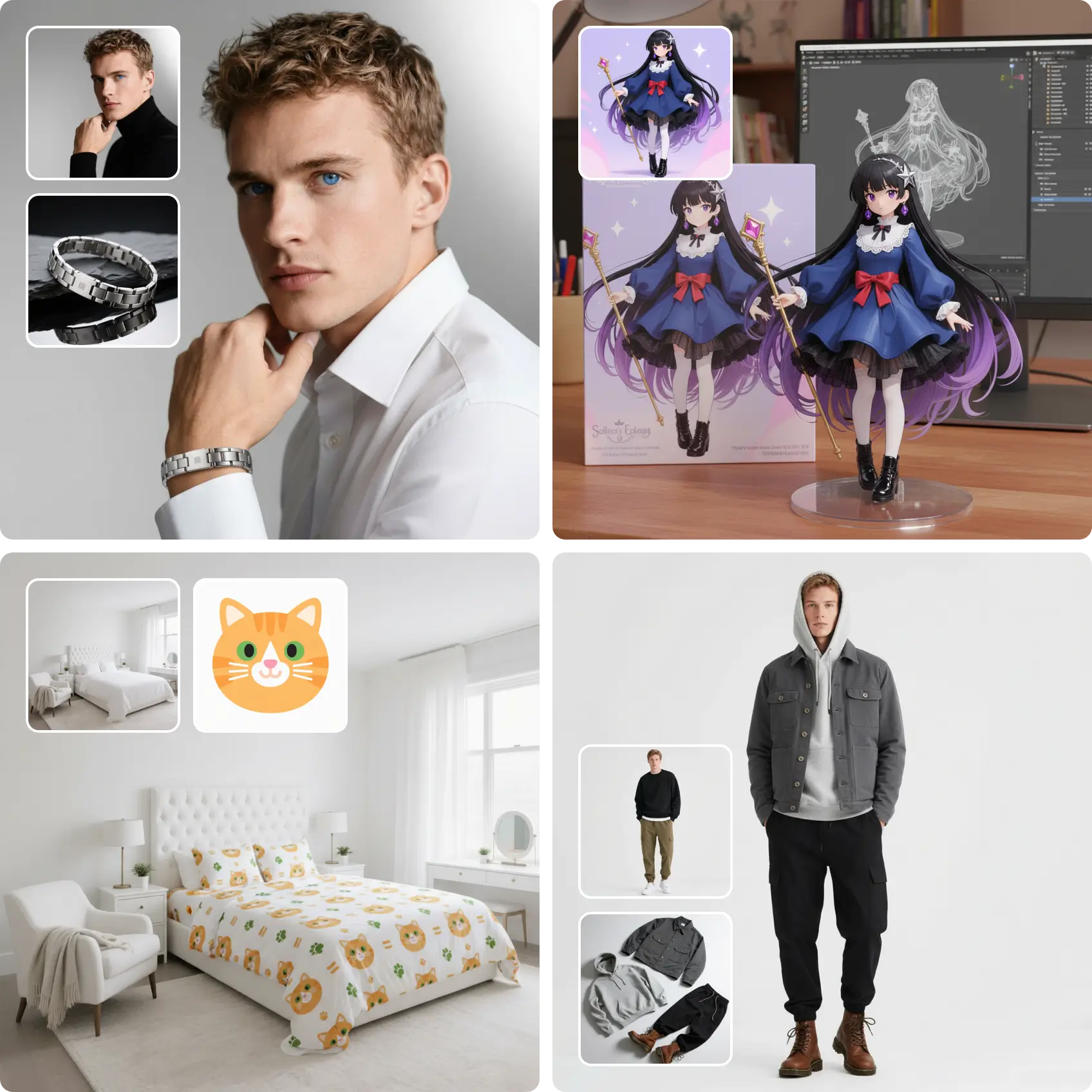
VideoCinematic Product Reveal
Try: Cinematic Product RevealVertical Social Story
Try: Vertical Social StoryMotion-Guided Video Remix
Try: Motion-Guided Video Remix Video
VideoVertical Social Story
Try: Vertical Social StoryAnimate image AI
What is Animate Image AI?
Animate Image AI is a browser studio that turns still images into short videos. You upload a picture, describe the motion you want in plain language, and one of the video models — Wan 2.5, Seedance, Sora 2, Kling or Veo 3 — turns it into a clip you can download.
The same workspace also holds the image models, so you can create or edit the still first, animate it second, and never leave the page. Every run shows its credit cost before it starts, and failed runs are refunded in credits.
Popular ways to animate
Three focused guides, one for each thing people ask for most.
How it works
- 1
HomeAnimateSection.steps.step1.title
HomeAnimateSection.steps.step1.description
- 2
HomeAnimateSection.steps.step2.title
HomeAnimateSection.steps.step2.description
- 3
HomeAnimateSection.steps.step3.title
HomeAnimateSection.steps.step3.description
Animate Image AI FAQ
- Is there a free way to animate an image?
- Yes. New accounts start on the free tier with 50 credits and a daily sign-in bonus, no credit card required. Image models cost 6-50 credits per run and video models start at 300, so free credits are best for learning the studio first.
- Which models can animate an image?
- Wan 2.5 Image to Video, Seedance, Sora 2, Kling and Veo 3 accept a reference image. Each model page lists the modes it powers and what it is good at.
- Do I need editing skills?
- No. You write the motion in plain language and the studio handles the model settings. The template gallery offers ready-made prompts if you would rather start from an example.
- What if a generation fails?
- Runs that fail on the provider or infrastructure side are refunded in credits automatically. The Refund Policy explains the windows.
Animate your first image
Open the studio, upload a still and describe the motion. Costs are shown before the job runs.
Open the studio